How to make a stop-motion movie on iPhone or iPad
All you need is a toy, a lamp and an iPhone or iPad. Here's how to make your first stop-motion movie in six steps.
- Time
- About 45 minutes
- Pictures
- 12 per second of movie
- You need
- A toy and a lamp
- Cost
- Free
What is stop motion?
Stop motion is animation made from still pictures. Take a picture, move something a tiny bit, take another. Play them back quickly and the toy moves on its own. The faster the speed, the more pictures each second of movie needs:
| Speed | Per second | 5 seconds | 10 seconds | 30 seconds |
|---|---|---|---|---|
| 🐢 Slow | 6 | 30 | 60 | 180 |
| 🐇 Medium | 12 | 60 | 120 | 360 |
| 🚀 Fast | 24 | 120 | 240 | 720 |
Start with Medium: smooth enough to look alive, quick enough to finish.
Step by step
-
Plan a tiny story
Keep it to 5 to 10 seconds: one character, one thing that happens. A dinosaur stomps in, meets a teddy bear, and roars. That's 60 to 120 pictures.
-
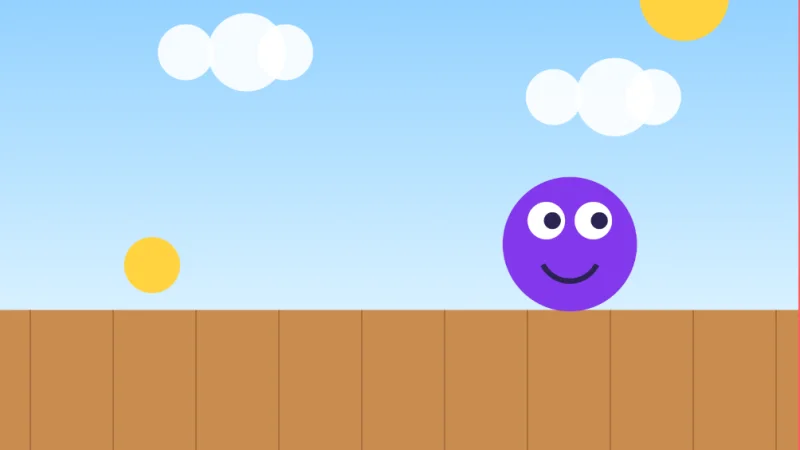
Set up and light the stage
A tabletop against a wall or a shoebox on its side makes a good stage. Light it with a lamp, not a window: daylight changes as clouds pass, and that shows up as flicker. Keep your shadow off the set.
-
Hold the camera still
Put the iPhone or iPad on a tripod or stand, or lean it on a stack of books. If it moves, the whole set jumps, so mark its spot with tape. Upright makes a tall movie; sideways makes a wide one.
-
Move, snap, repeat
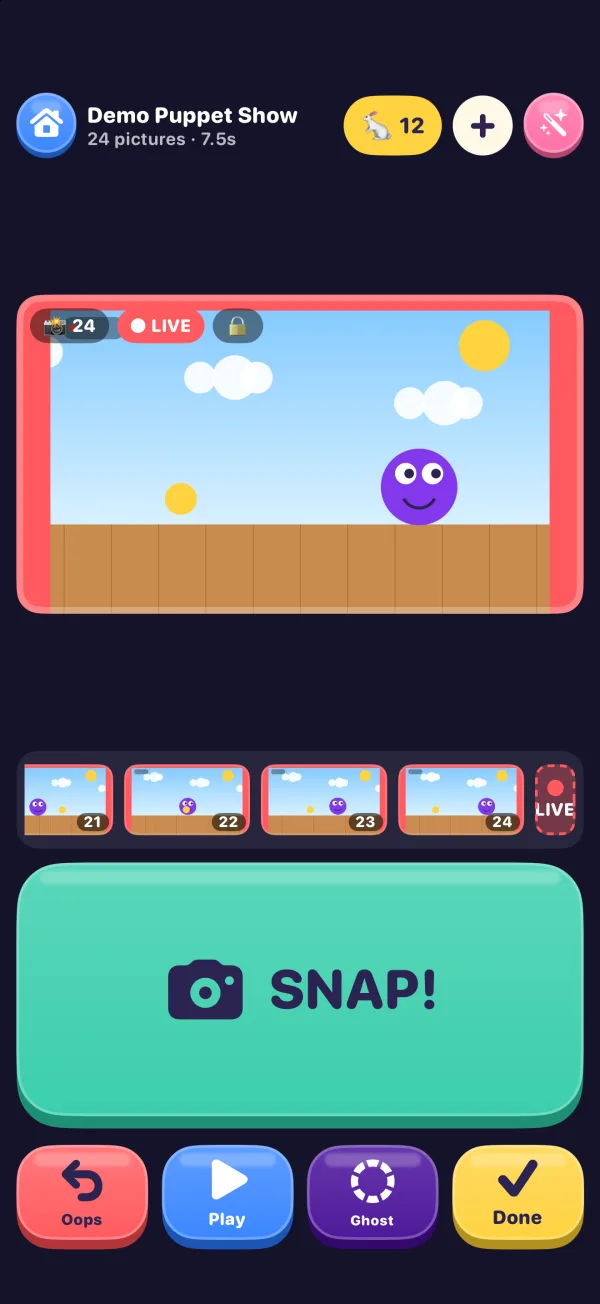
Open Stop Motion Movie Maker, tap New Movie and pick a speed. Press SNAP!, move your character about a fingernail's width, and press SNAP! again.
Ghost shows your last picture faintly over the camera (onion skinning), so each move lines up. Oops takes a picture back, and Play shows the movie so far.
-
Keep your hands out with Auto Snap
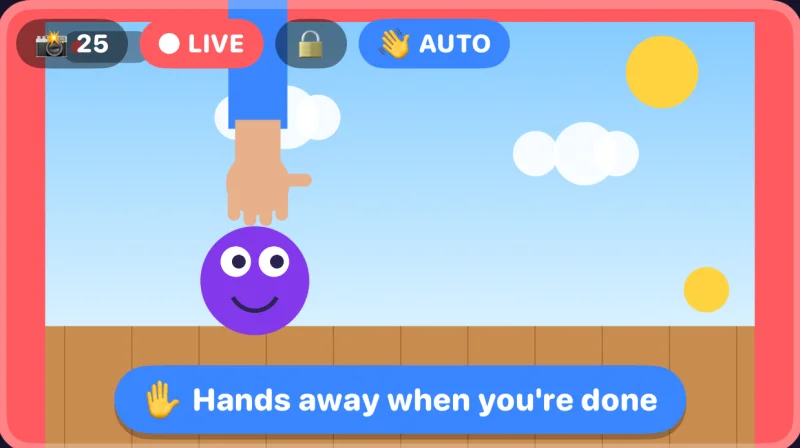
Turn on Auto Snap from the + menu. Move something and take your hands away: it snaps once everything is still. It waits while a hand is in the picture and never takes the same picture twice.
-
Decorate and save
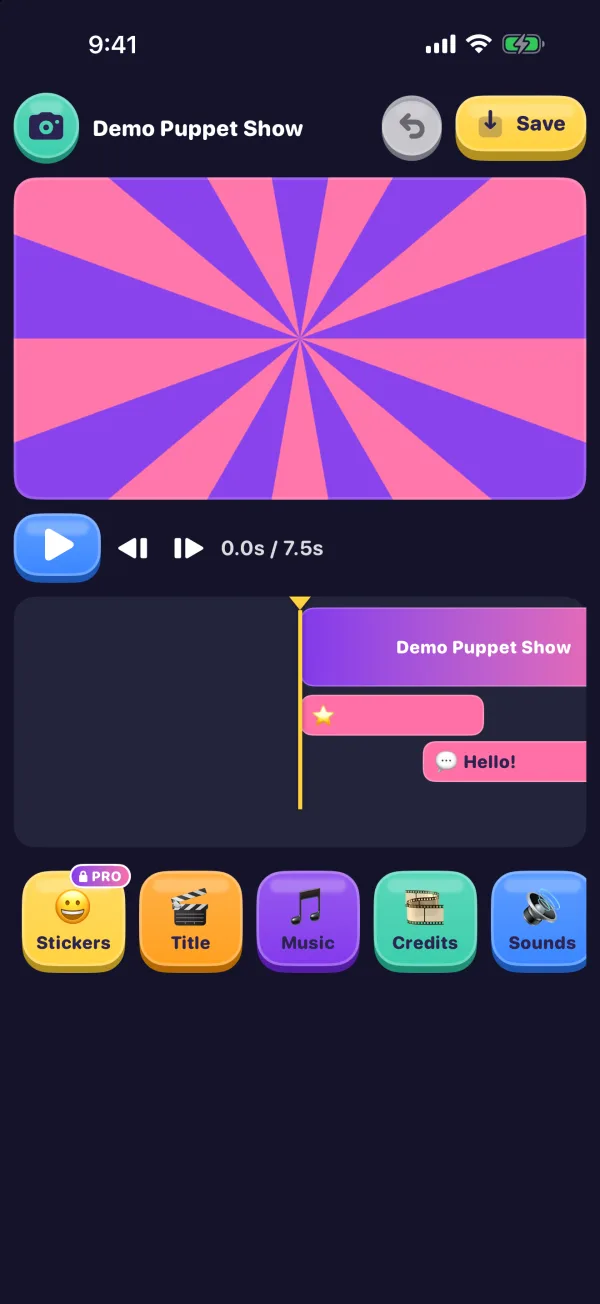
Tap the pink magic wand to add words, speech bubbles, 54 sound effects, a title, and “The End” or rolling credits. Stop Motion Pro adds music, voice-overs, stickers and looks.
Tap Save, or press Done twice, and the movie goes to Photos.
Tips
Move less than you think
Small, even steps look smooth.
Ease in and out
Small steps at the start and end of a move, bigger in the middle.
Hold the first and last pose
About six pictures with nothing moving.
Press Play often
It's the quickest way to spot a jump.
Ideas for kids
🦖 Dino meets bear
A stomp, a wave, a RAWR!
🐌 Snail race
Two clay snails and a photo finish.
🍪 Vanishing cookie
One bite between pictures.
🧱 A house builds itself
One brick per picture.
⛄ Melting snowman
Squash the clay a little each time.
🧸 The room tidies itself
Toys hop into the box one by one.
Questions
How many pictures do you need for a stop-motion movie?
Multiply the seconds by the pictures a second. At 12 a second, a 10-second movie takes 120 pictures.
What frame rate is best for stop motion?
12 pictures a second. Many stop-motion films use 12 new pictures a second too, each shown twice in a 24-frame film, which animators call shooting on twos.
Why does my stop-motion movie flicker?
The light is changing between pictures. Use a lamp instead of window light and keep shadows off the set. Stop Motion Movie Maker also locks the camera's focus, exposure and white balance after the first picture. More in Support.
How long does it take to make a stop-motion movie?
About 30 to 40 minutes of snapping for a 10-second movie, plus time to set up. Movies save as you go, so you can finish another day.
Can you make a stop-motion movie with LEGO bricks?
Yes. Minifigures hold a pose and click onto a baseplate, so they don't slide between pictures. Tape the baseplate to the table.
Is Stop Motion Movie Maker free?
Yes. It's free, with no ads and no account. Free movies save at 720p with a small badge; Stop Motion Pro is an optional one-time purchase.
Setting up for a classroom, library or museum? Put the stage on a TV with big buttons.